Signing Up and Describing Your Work
Start by registering with PANORAMA payments and verifying your identity once. You will need to describe your client and the work you are doing. There is no monthly subscription and nothing is charged before your client pays.
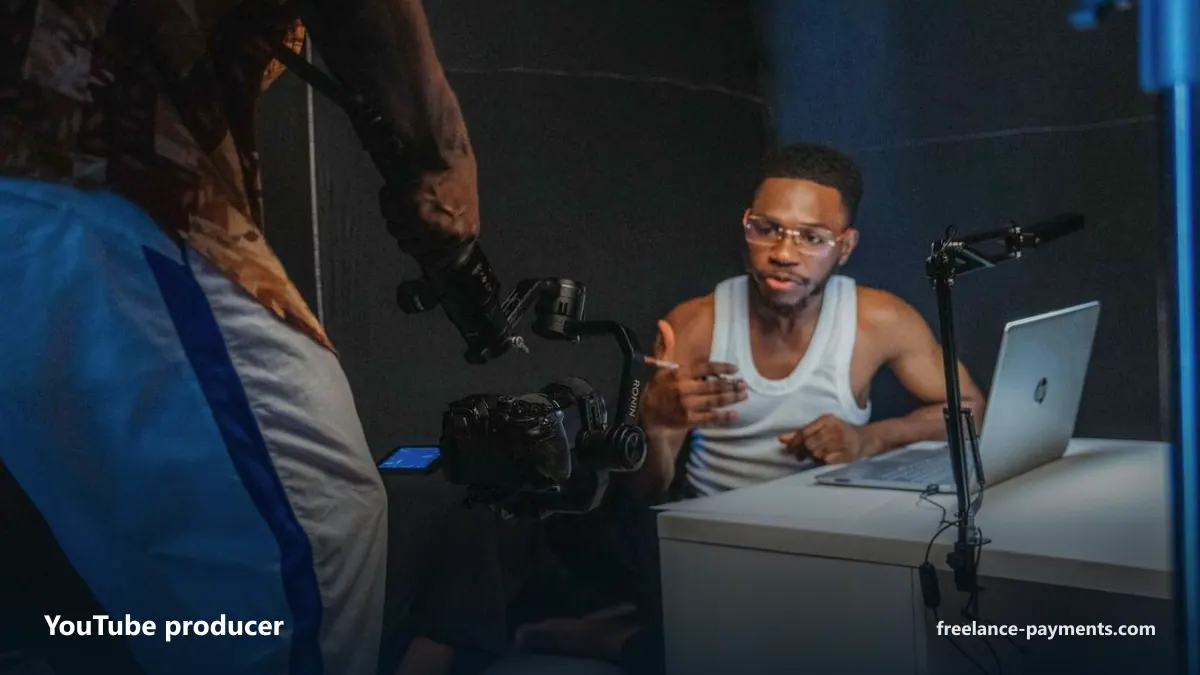
For a YouTube producer, the work you describe might be a published video, a set of tested thumbnails and titles, a content calendar, or shorts cut from long-form content. You can describe it in plain terms. The invoice line will reflect what you actually delivered.
Your client does not have to be a US company. You can invoice any payer outside sanctioned countries, and the invoice can be issued in one of eleven currencies, including US dollars, euros, pounds sterling, Canadian and Australian dollars, and Swiss francs. The payer may be a company or a private individual.
The Invoice and Your Client's Payment
Once you have described the work, PANORAMA payments issues the invoice to your client from a US company. From your client's perspective, this is a domestic transaction. They pay by ACH or wire transfer in dollars to a US bank account. There is no need for them to handle international payments or exchange rates.
The money is received by that US company on your behalf. Your client can request an IRS Form W-9 if their accounts payable process requires it. This paperwork is standard for US vendors.
If your client is not in the United States, the same process applies. The invoice can be issued in the currency that suits them, but the receiving entity is still the US company.
Paperwork for US Clients
Your client receives an invoice that looks like any other invoice from a US supplier. It has a US company name and address on it, but we do not publish those details here. The invoice states the work you have done and the amount owed.
You do not need to provide your own US tax identification to your client. Instead, the US company provides its W-9 to your client when asked. This keeps your tax situation separate from the payment process.
The client sees no mention of PANORAMA payments unless you choose to tell them. The invoice comes from the US company acting as merchant of record.
Receiving Your Money
After your client pays the invoice, PANORAMA payments deducts one platform fee and sends the rest to you. The fee is not charged until the money has arrived. There is no subscription or upfront cost.
You choose how you receive the money in your own country. Depending on where you live, this can be a bank transfer, SWIFT, SEPA, a transfer through Wise, a local account, or dollar-denominated digital assets. The options available to you depend on your country.
You remain responsible for your own taxes at home. PANORAMA payments does not provide tax advice, and we are not your employer. You should handle your tax obligations as you normally would for income from freelance work.